
Permissions, visibility, and redaction
Distinguish server access, operation authority, record visibility, source access, and redacted detail before sharing or acting.
- Audience
- moderator · senior reviewer · team lead · server admin
- Availability
- free · premium preview · private beta access
- Maturity
- alpha · partial
Last reviewed
On this page
Access to a page is not access to every record
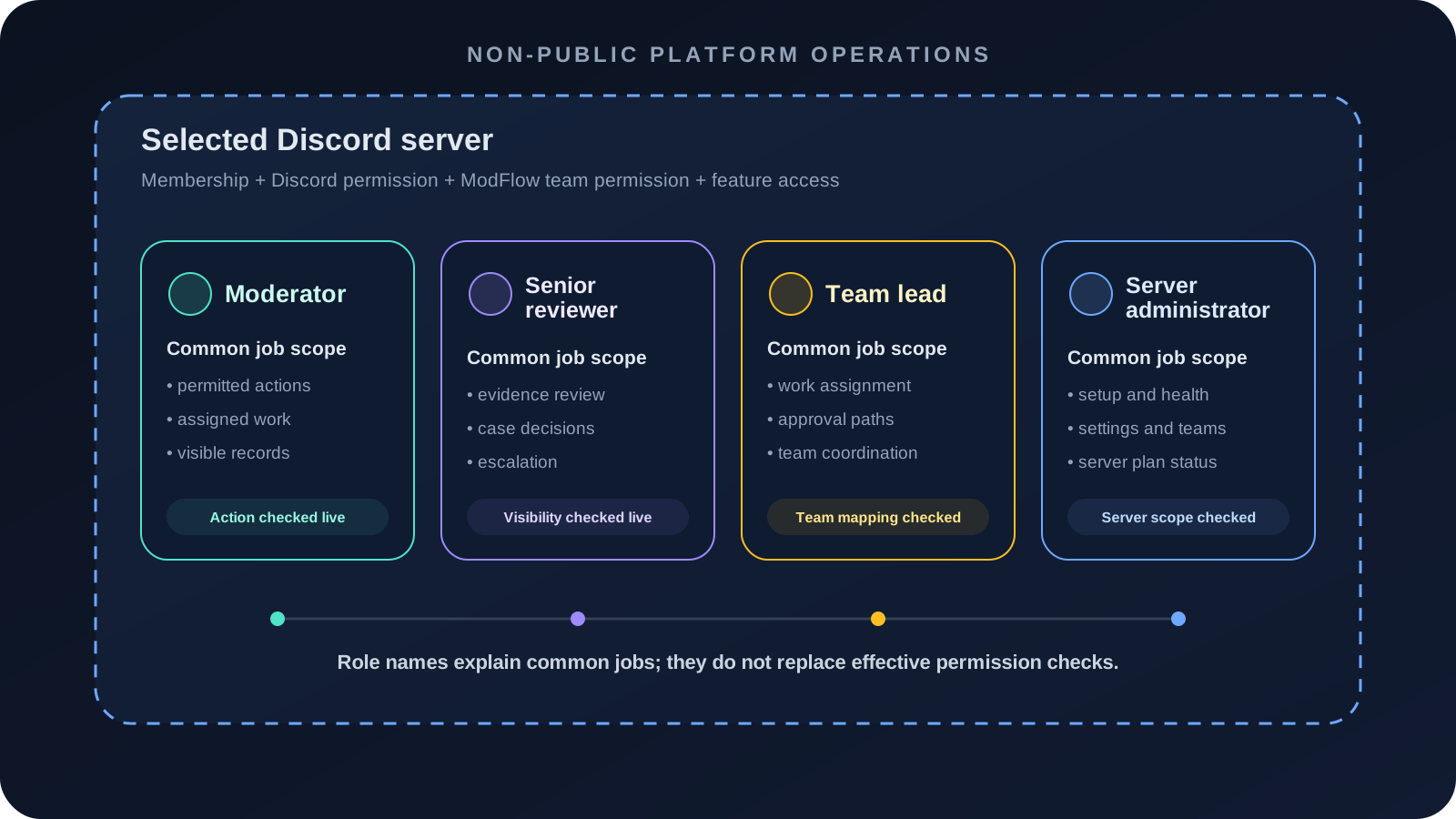
ModFlow evaluates access in layers. Being a server member, opening the dashboard, viewing a record, seeing its evidence, and executing an action are separate capabilities. Redaction preserves a usable workflow summary without widening restricted detail.
Access layers and safe visibility
| Layer | Check | Safe response when denied |
|---|---|---|
| Server | Is this the intended selected server and approved runtime? | Return to server selection; do not substitute another server. |
| Page or command | Can this role open the surface? | Request the narrow team/page permission. |
| Record | May this viewer see this case, transcript, or review? | Use the visible summary or ask an authorized reviewer. |
| Source | Is the underlying channel, message, or file still visible? | Record unavailability; do not recreate hidden detail in public text. |
| Action | May this viewer perform this transition on this target now? | Hand off to an authorized operator without sharing restricted material. |
Evaluate access from server to source
Confirm server and viewer
Check the selected server and the operator's effective Discord and ModFlow role.
Check: The access request has a concrete identity and scope.
Identify the denied layer
Separate page, record, source, and action access rather than treating all denials as one permission.
Check: The smallest missing capability is known.
Use the visible minimum
Continue only with fields, summaries, and controls intentionally shown to the viewer.
Check: Restricted detail stays restricted.
Request a narrow handoff
Ask an authorized teammate to review or perform only the missing step.
Check: Work advances without broadening access.
The operator can explain which access layer applies and can hand off work without leaking redacted or hidden context.
Use the complete permission stack
| Layer | Examples | Failure behavior |
|---|---|---|
| Discord identity/membership | Signed-in user; current guild membership. | Server absent or access denied. |
| Runtime approval | Approved/private-preview server state. | Server cannot enter ModFlow runtime. |
| Discord permission | Moderate Members, Ban Members, Administrator, channel access. | Command hidden/denied or target unmanageable. |
| ModFlow team permission | cases.view, evidence access, appeals, actions, Activity, Settings, exports. | Page/control hidden or API denied. |
| Feature availability | Free/Premium inclusion, preview, production flag. | Feature locked, unavailable, or placeholder. |
| Record visibility | Team-scoped Case, senior-only evidence, transcript audience. | Record/item redacted or hidden. |
| Source visibility | Discord channel/message/file still accessible. | Source cannot be opened despite parent record access. |
| Target/state authority | Role hierarchy, active workflow state, executor permission. | Write blocked or becomes retryable/failed. |
Understand redaction outputs
| Pattern | Shows | Hides | Use |
|---|---|---|---|
| Safe summary | Record identity, type, status, and non-sensitive context. | Restricted fields, content, source, or actor detail. | Continue a workflow without widening content. |
| Unavailable source | Provenance/identity and unavailable status. | The source content because it cannot be read. | State the evidence gap explicitly. |
| Senior-only evidence | That restricted evidence exists where safe. | Content from non-senior viewers. | Handoff to an authorized reviewer. |
| Permission-denied action | The action cannot be performed. | Sensitive action data or controls. | Request narrow authority rather than work around it. |
| Export omission | Permitted rows/fields. | Restricted or unsupported fields. | Treat the extract as permission-limited, not complete. |
Share records without changing the audience
Identify the audience
Name the staff role/team or appellant who needs the information.
Check: The intended viewer is explicit.
Use supported links/summaries
Share the Case, appeal, record, or transcript reference through an authorized staff surface.
Check: Access checks remain in force.
Minimize copied content
Include only the state, question, and safe identifiers needed for handoff.
Check: Restricted evidence is not duplicated.
Verify the recipient can open it
Have the recipient use their own session/permissions.
Check: No account or session sharing occurs.
Escalate a denial
Hand off to a higher-authority reviewer rather than copying hidden detail.
Check: Work advances without widening visibility.
| Item | Why |
|---|---|
| Copied dashboard URL | It still requires the recipient’s own server/record access. |
| Screenshot | It can expose content without ongoing access controls and can become stale. |
| Exported file | It is a sensitive copy, not a grant of dashboard permission. |
| Discord mention/role name | Role labels do not prove ModFlow team/action authority. |
| Administrator title | Server Administrator does not imply bot-owner/global/infrastructure access. |
Audit a team permission change
Define the job
List pages, records, and exact writes the team needs.
Check: The role receives only the requested capability.
Map dependencies
Review permission prerequisites and cross-team warnings.
Check: Hidden dependent powers are understood.
Record before state
Capture role ID, team order/enabled state, and current permissions.
Check: Rollback is possible.
Change one group
Edit visibility, Case, moderation, Soundcheck, or admin capabilities separately.
Check: The cause of changed access is clear.
Test allowed/denied accounts
Use representative users and exact operations.
Check: Least-privilege behavior is proven.
Review after role changes
Re-test when Discord role membership/hierarchy changes.
Check: Cached labels do not become stale authority.
Handle redaction and partial visibility
Administrator, team, channel, artifact, and target permissions can drift independently. A copied link never grants access, and an absent detail is not evidence that it never existed.
A cross-workflow state is unclear
What you see: The visible status, permission, source, or execution result does not support a confident next action.
What may be happening: The viewer may be reading a stale surface, a narrowed view, a separate lifecycle stage, or a partial operation result.
What to do
- Reconfirm the selected server and effective team membership.
- Open the record through its supported navigation rather than a copied stale link.
- Preserve redaction when escalating.
- Ask a server administrator to review the narrow permission or source-visibility boundary.
Recheck visibility at every source boundary
Live Discord reads recheck channel visibility. A participant-facing team label does not remove internal attribution. Imported cloud files become separate evidence copies. Watchlist senior context, relationship state, proximity signals, evaluations, and generated MIRA sources require narrower access than ordinary profile or Case visibility.